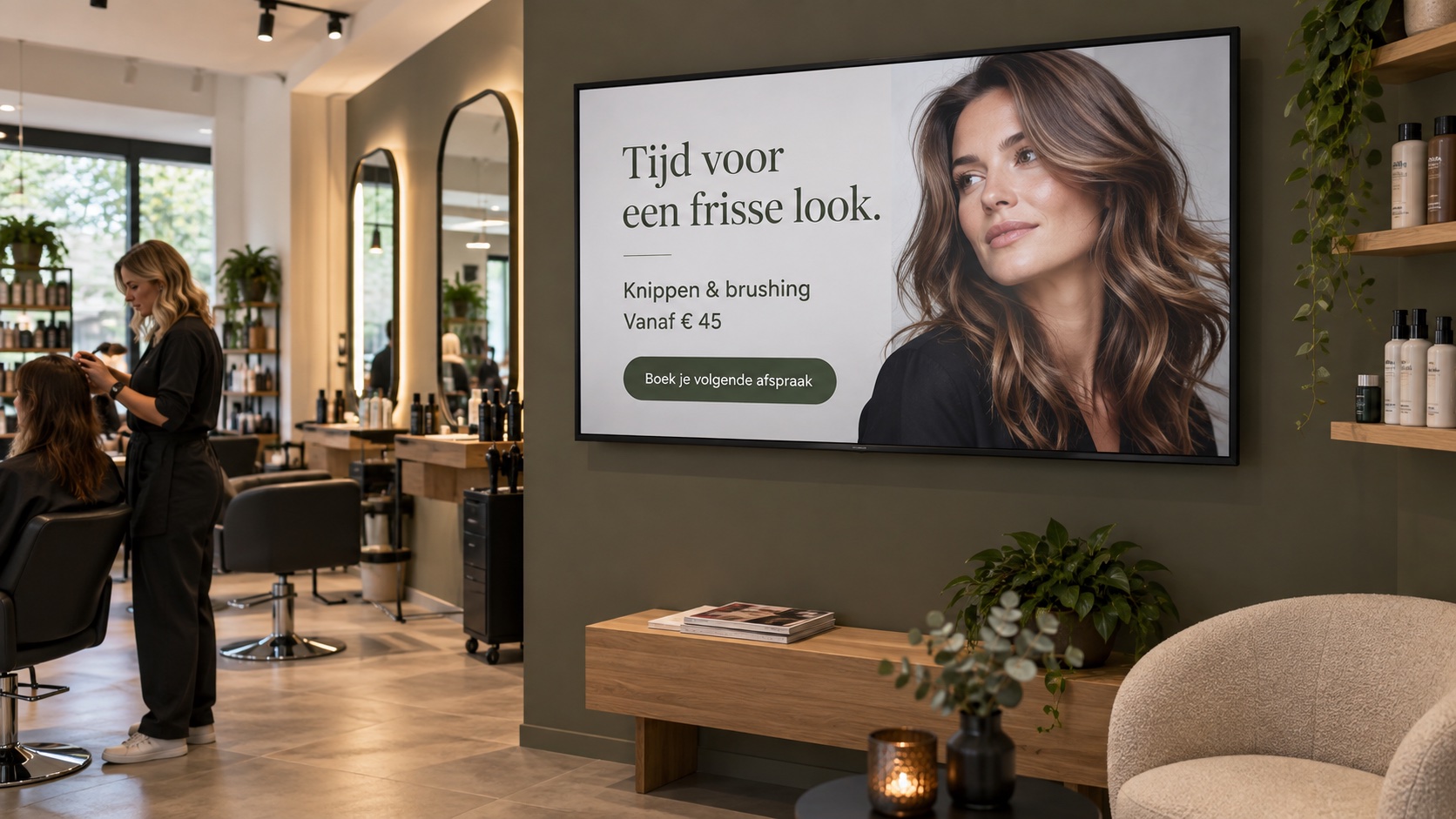
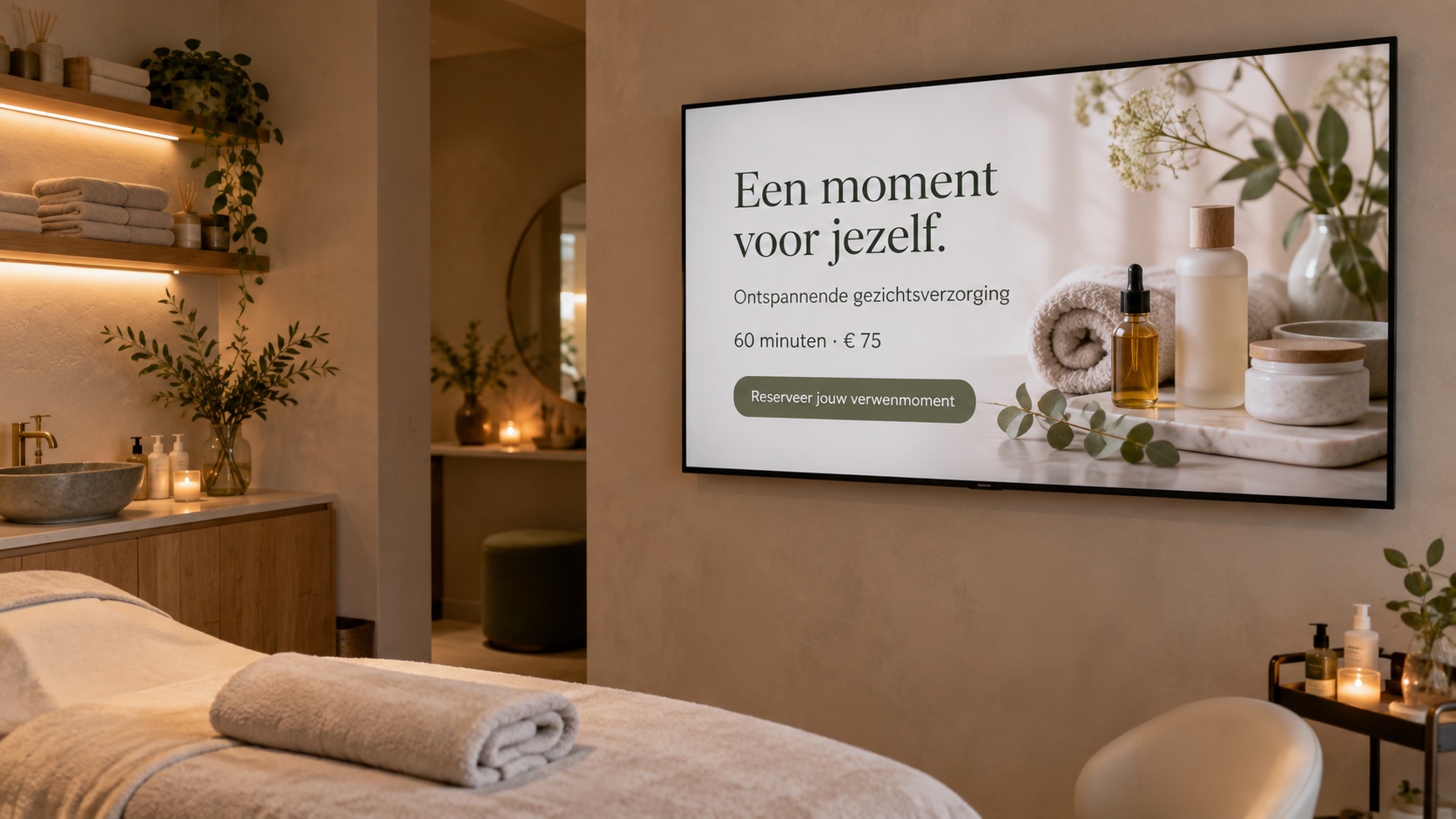
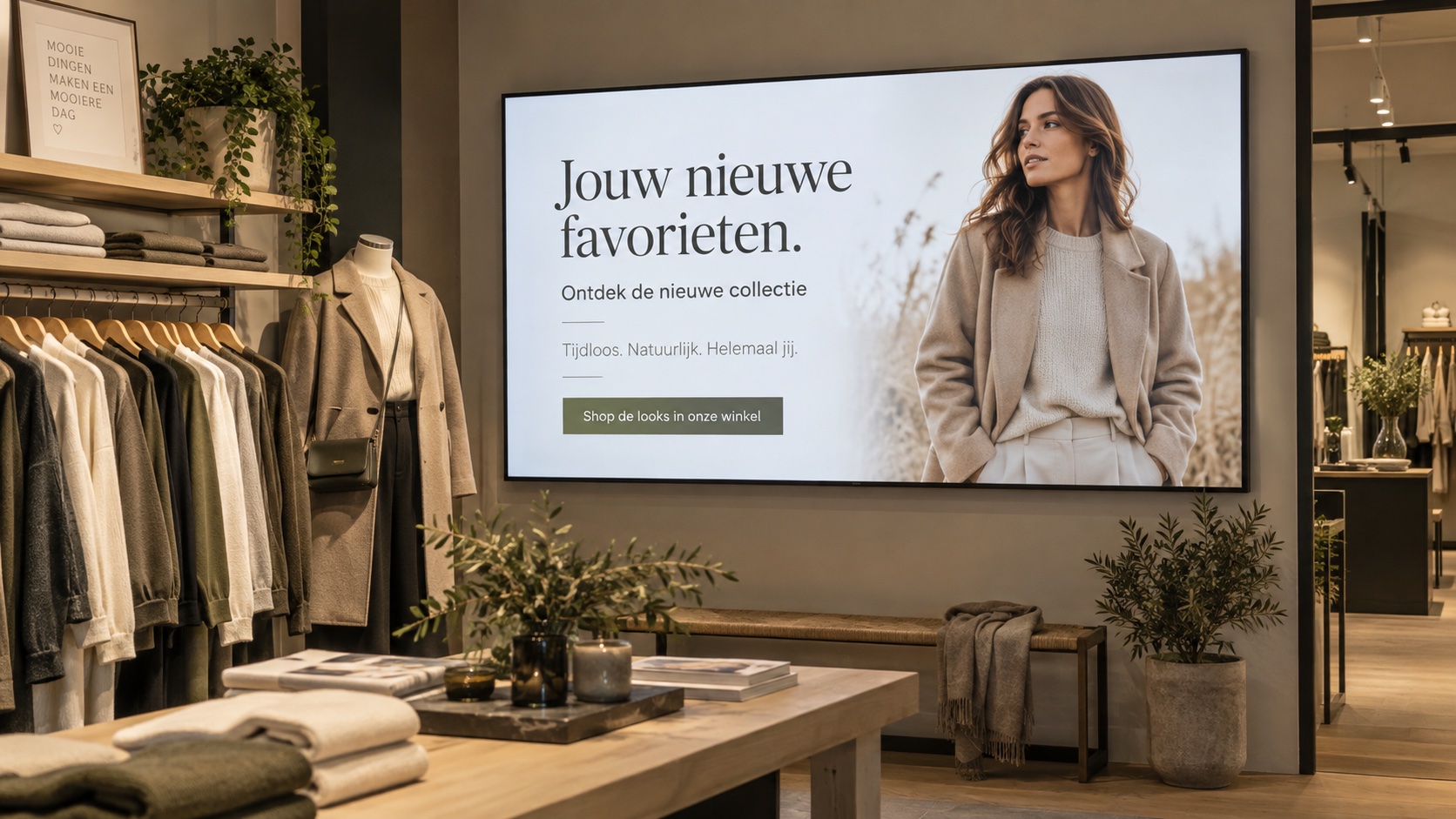
Content that feels like you.
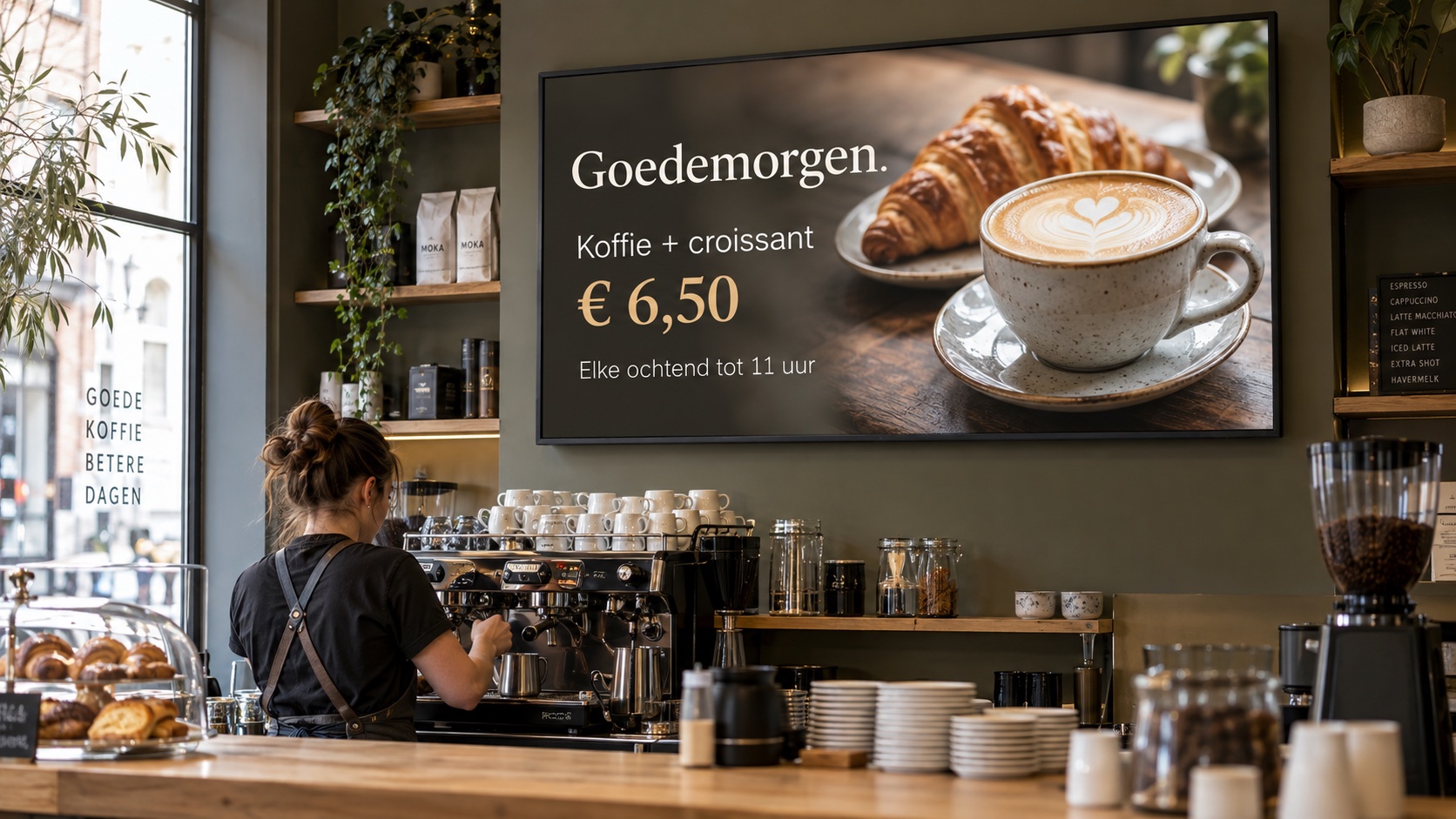
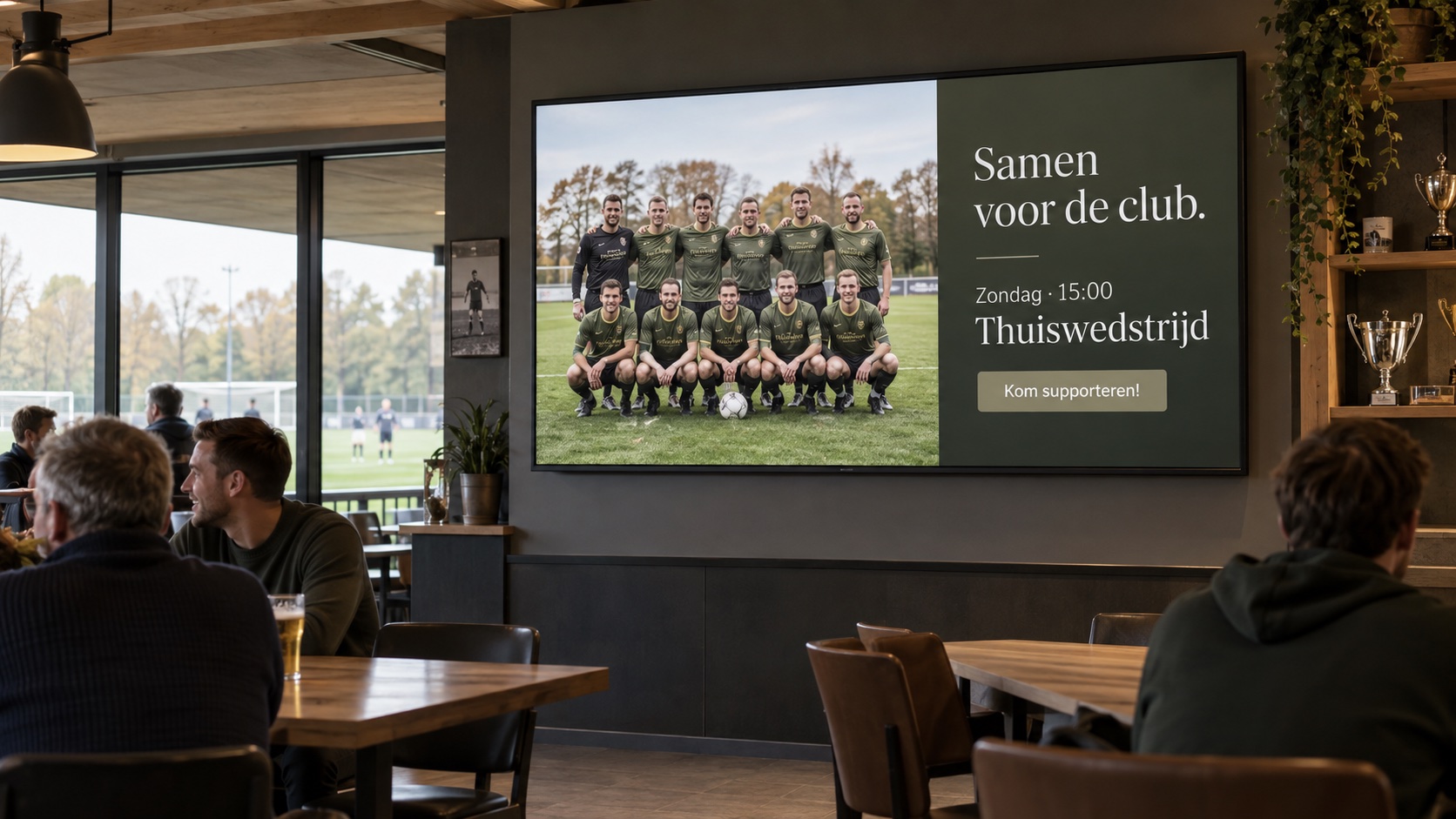
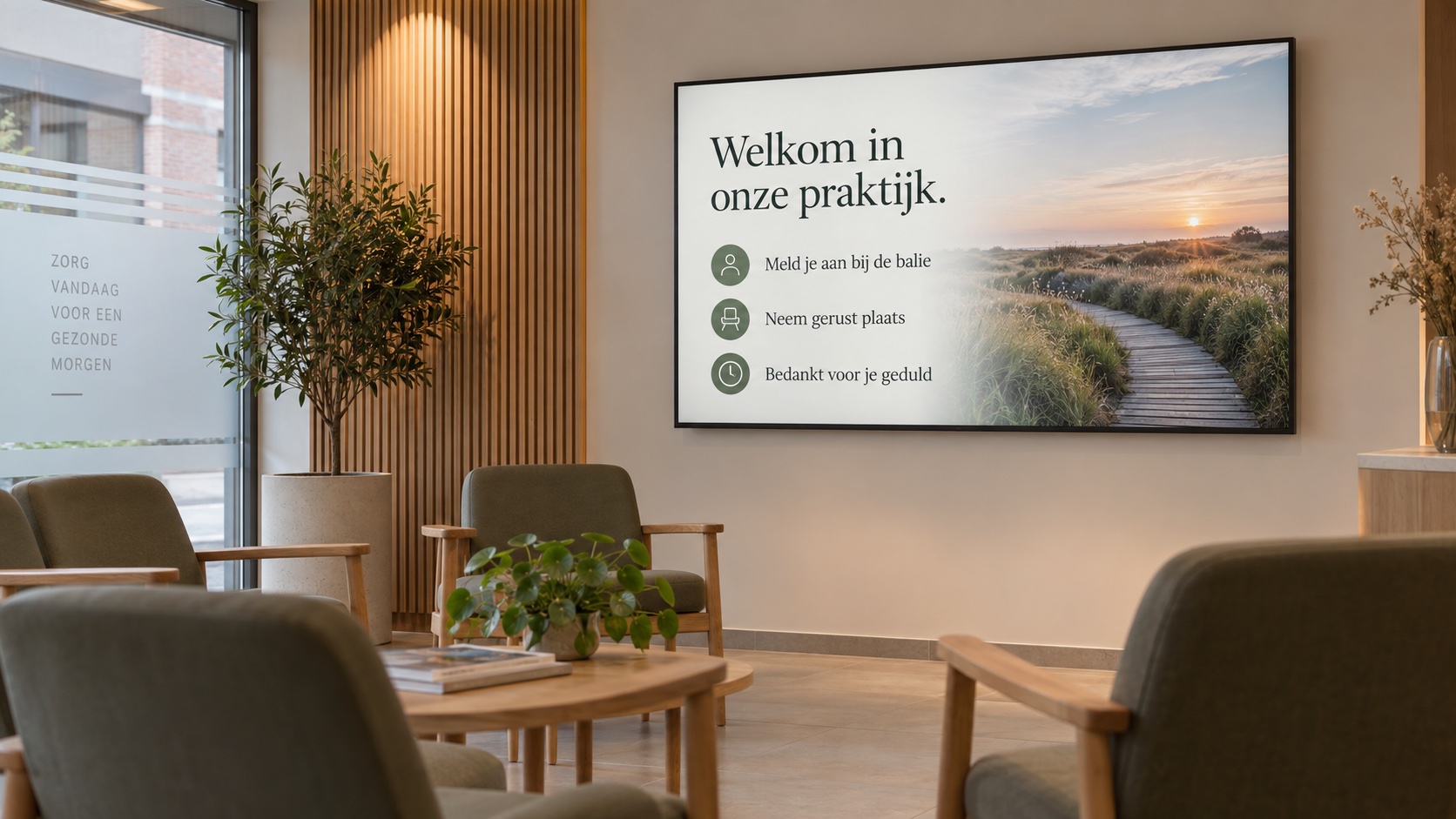
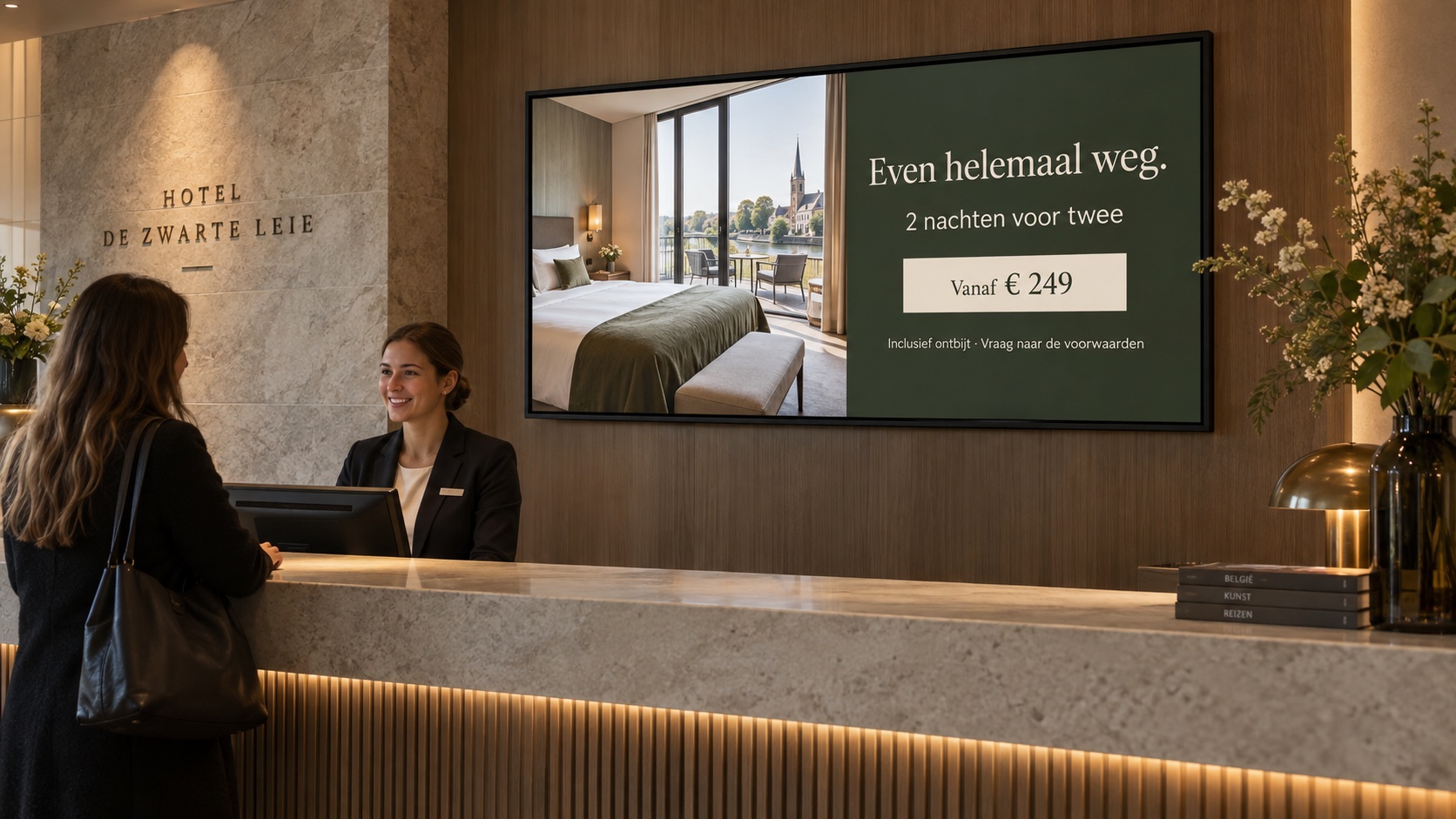
Create your own slides, or let us help. Easycast can turn your photos, menu, offers and ideas into a slideshow that fits your business, and manage the updates for you.
Your content, your styleDigital signage for your business
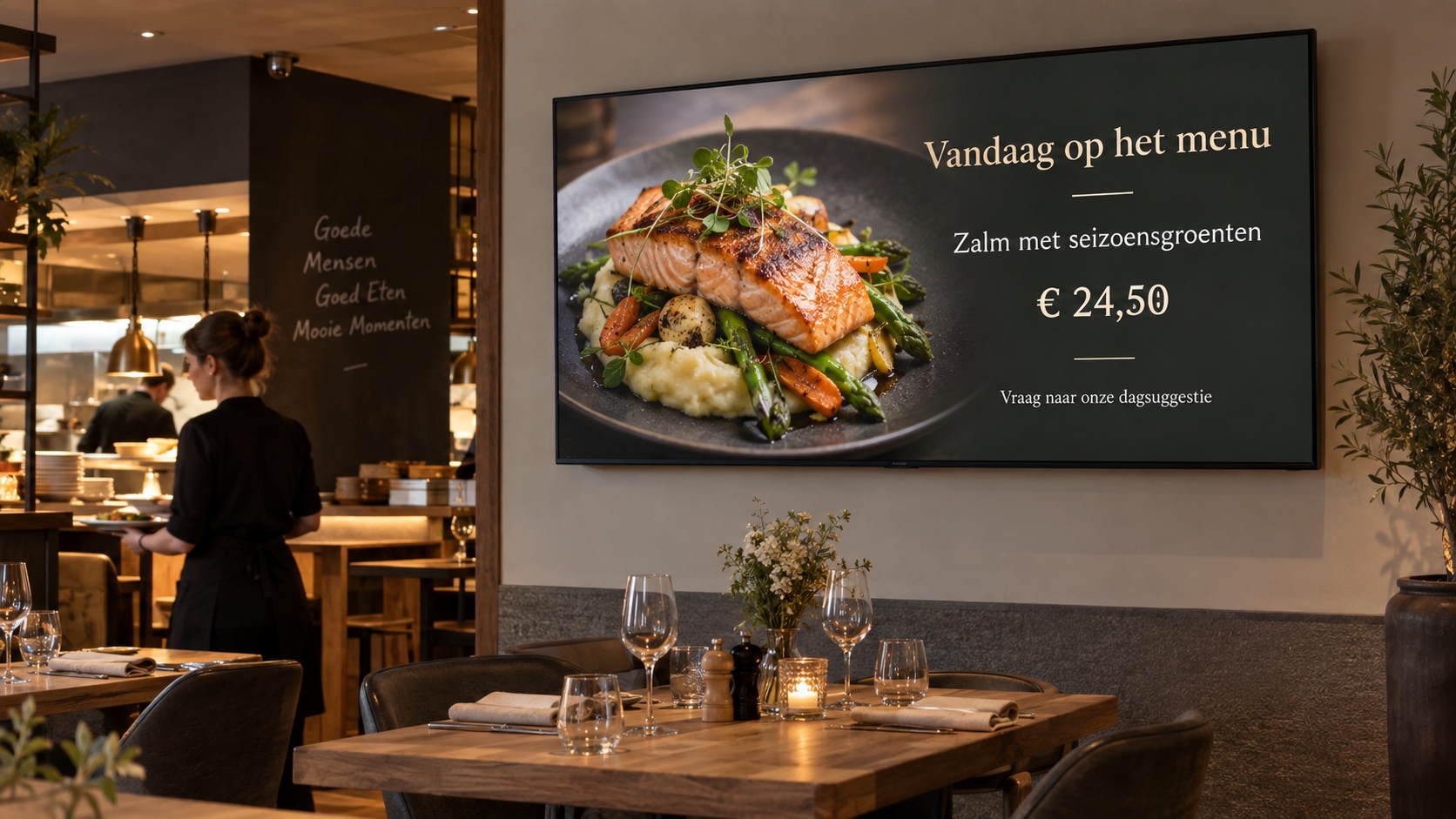
Describe your promotion and let Easycast AI generate text and images for a slide or a complete slideshow. Review, edit and display it on your screens.
Easycast AI · €14,95 per screen/month · Limited monthly AI usage
AI campaign generator
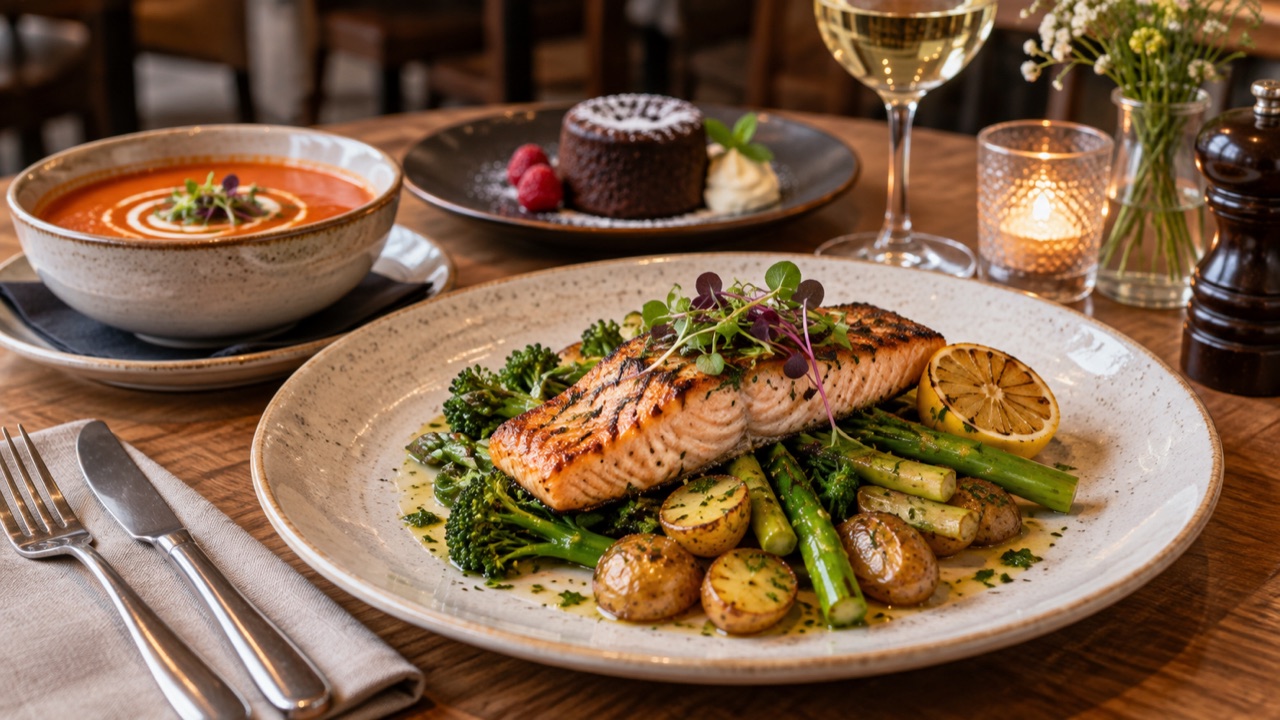
Describe what you want to show. Easycast AI creates a single slide or a complete slideshow with generated images and editable text, using your business type, slogan and logo. Review the result and make it yours before publishing.
Explore subscriptions →Included in Easycast AI at €14,95 per screen/month, with a limited monthly token allowance per account. Track your usage in your account.
 Your offer
 Your atmosphere
 Your story
LESS ADMIN. MORE IMPACT.
Simple software. A personal approach. Tell us about your space and what you want to show. We help you find your way, from your first slideshow to your next screen.
Create your own slides, or let us help. Easycast can turn your photos, menu, offers and ideas into a slideshow that fits your business, and manage the updates for you.
Your content, your styleName your Screens, add their locations, and assign a slideshow to each one. See which displays have recently connected, without visiting every room.
A clearer overviewChange a slideshow in your workspace. Connected players check for updates every 20 seconds and display the latest content in their web browser.
Keep your message currentFROM IDEA TO DISPLAY
Start with your content — or ask us to create it with you. We can help you get your first slideshow ready and keep your screens looking their best.
Already a customer? Sign inAdd images, MP4 or WebM clips, and text. Choose colours and timing, then preview the result before it goes on screen.
Give your Screen a name and location, then choose the slideshow it should display.
Open the private playback link in the intended Screen’s browser and enter fullscreen. The first browser registers that Screen.
SIMPLE PRICING. PERSONAL SUPPORT.
Choose Easycast for your own content, or Easycast AI to generate campaigns with text and images. Both plans include unlimited total content storage and slideshows.
For businesses only. All prices exclude VAT.
Try Easycast free for 14 days. AI generation requires the Easycast AI subscription. The Easycast promotional slide is included throughout the trial.
Let’s talk about your setup →A FEW MORE DETAILS
Create slideshows with PNG, JPEG, or GIF images, MP4 or WebM video clips, and text. Add an attachment as you create a slide. Clips play muted for the slide duration, looping if shorter. Images can be up to 10 MB and clips up to 50 MB; playback depends on your Screen’s supported codecs.
Open its private playback link in a compatible web browser on the intended Screen and use fullscreen mode. The first browser registers the link. Keep that browser’s site data so the registration survives restarts.
Yes. Add a separate Screen entry for every display, give each one a location, and assign its slideshow. Screens can share a slideshow while keeping their own playback links and registrations.
Yes. Easycast is designed for online playback. Connected players check for slideshow updates every 20 seconds; offline playback is not supported.
The customer workspace is available in Dutch, English, French, and German. You write your slide content in the language of your audience.
Choose Help on the customer login page or inside the workspace to send a help request. Your account is included so the support team can identify your request.
LET’S TALK
Wondering whether Easycast fits your business? Tell us what you have in mind. We will get back to you personally.
info@easycast.beA LITTLE FLEXIBILITY. A BIG IMPRESSION.